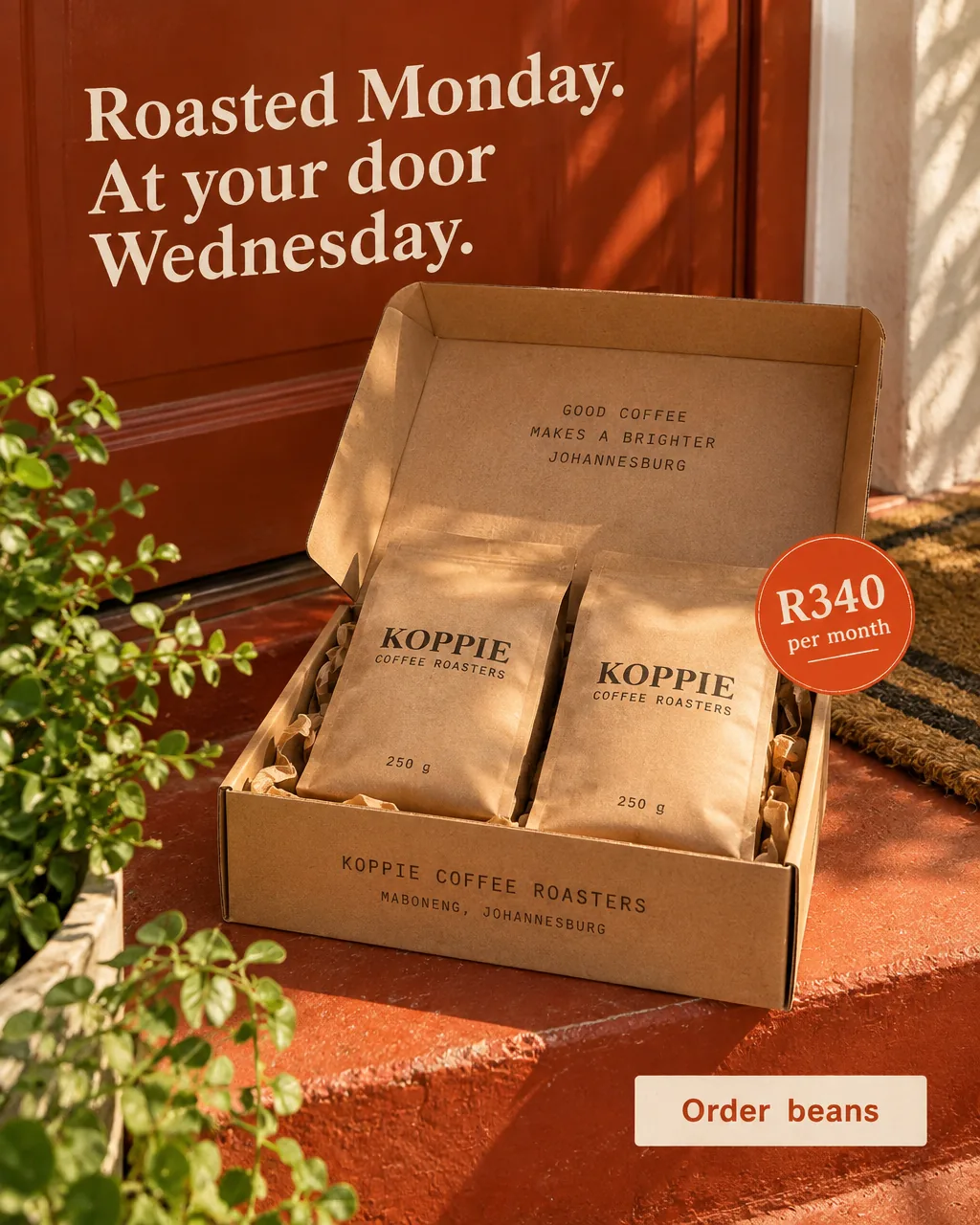


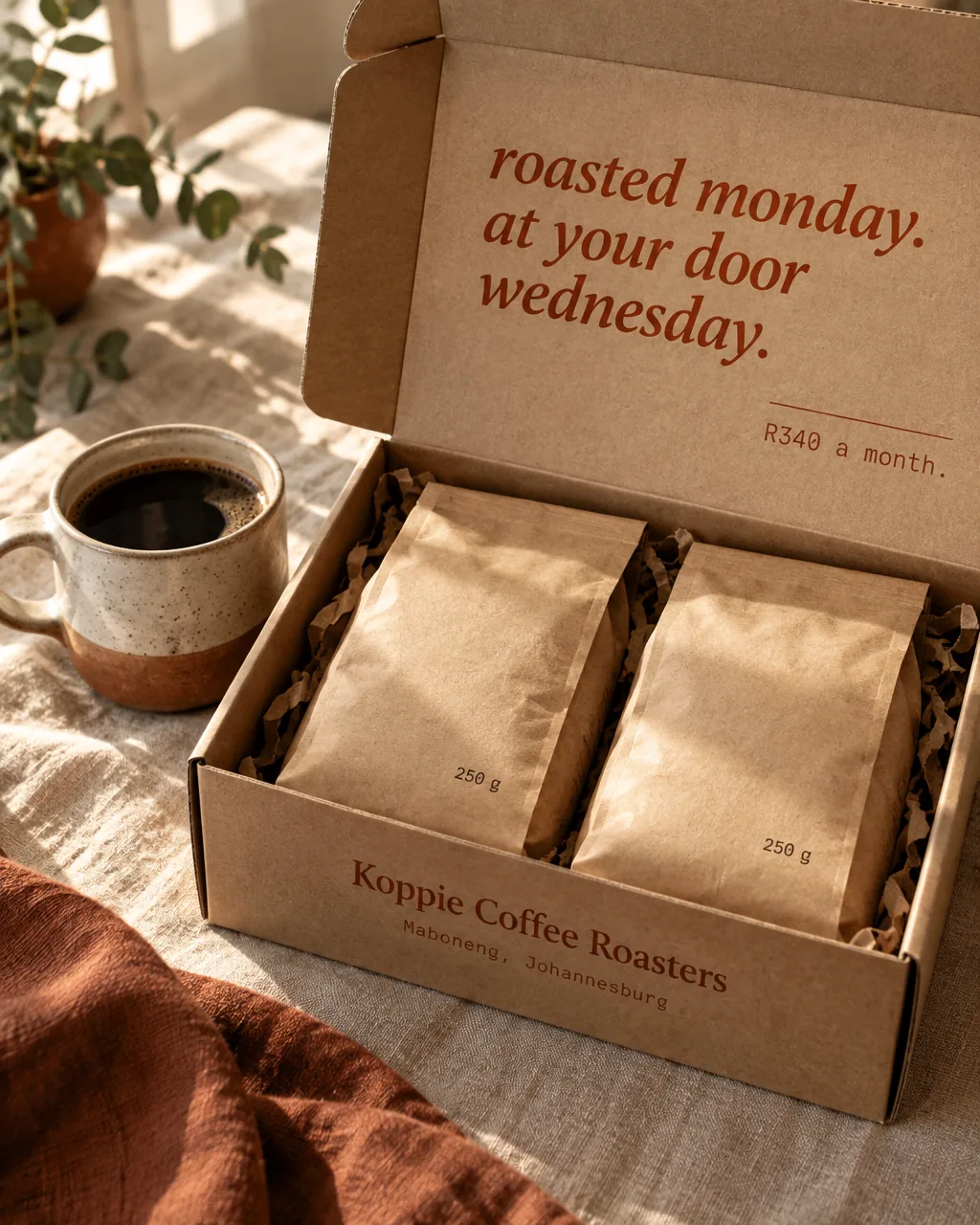
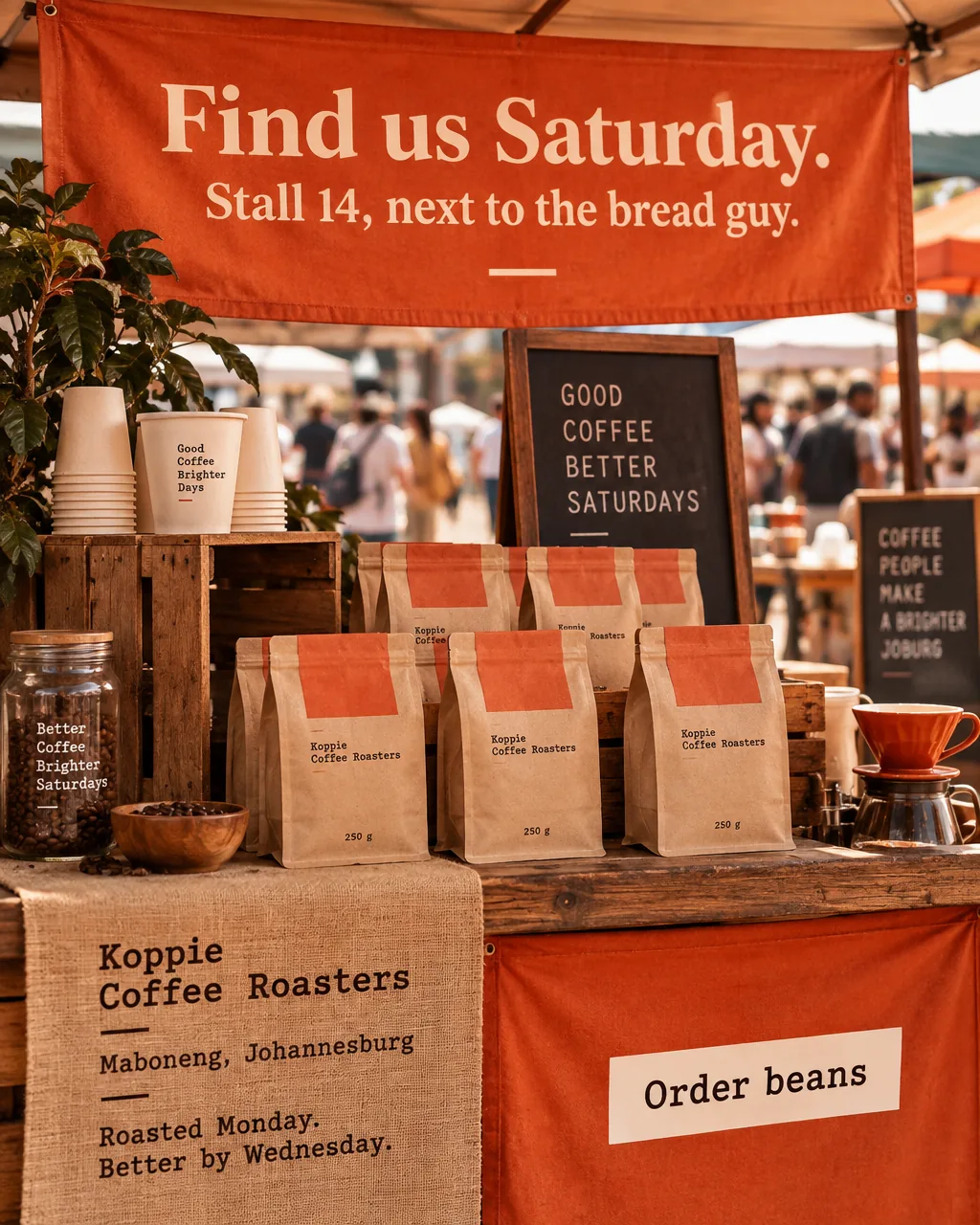
generate_image
Make things
Make Friday’s Guji post, and a square one for Facebook.

Single ads, batches, carousels and whole campaigns, in the brand’s look.
Connect Moteef once. Make on-brand ads, carousels and campaigns from the chat you already live in. Codex and Claude Code too.
Plan Koppie’s posts for next week. The Guji sold out, so lean on the subscription.
Used Moteef · get_business_context
Used Moteef · generate_campaign
Subscription week · 5 posts
Mon
Tue
Wed
Fri
Sat
Five posts for next week, built around the R340 subscription. They’re in Koppie’s library in Moteef. Want the Monday one as a carousel too?
Ask anything
Illustration. Each app draws its own chat; Moteef brings the brand memory and the images.
Your brand memory comes along, so “make Friday’s post” means Koppie’s Friday post, not a stranger’s. Each card is a real ask and the Moteef tool it calls.
generate_image
Make Friday’s Guji post, and a square one for Facebook.
Single ads, batches, carousels and whole campaigns, in the brand’s look.
animate_image
Animate the Guji ad. Five seconds.
Turn an ad into a short animated video. This one is real: 5 credits, one ask.
refine_image
Softer light, more linen. Keep the words.
Refine, expand, upscale or cut out the background.
update_business_profile
The Guji is R230 now.
Update colours, offers and prices. Every saved change can be undone.
export_asset
Export last week’s posts for LinkedIn.
Pull up anything in the library and export it at the size you need.
generate_campaign
Plan next week around the subscription. The Guji sold out.
A campaign of posts with a theme, a plan and the images, in one ask.
get_credit_balance
How many credits do I have left?
Ask what’s left before you ask for twelve more images.
Make a free Moteef account first. Then let your AI connect it for you, or add one address in your chat app’s settings.
Fastest way
Copy this into Codex or Claude Code. It adds Moteef, opens the sign-in page, and checks the connection for you.
Set up the Moteef connector for me. Moteef is a remote MCP server at https://app.moteef.ai/api/mcp (HTTP, signs in with OAuth).

- If you are Claude Code: run `claude mcp add --transport http moteef https://app.moteef.ai/api/mcp`, then tell me to run /mcp, choose moteef and sign in.
- If you are Codex: run `codex mcp add moteef --url https://app.moteef.ai/api/mcp`, then `codex mcp login moteef`.

A Moteef page opens in my browser: I'll sign in and press Allow. Then check it works by listing my Moteef businesses.
Or connect it yourself
https://app.moteef.ai/api/mcpSigning in opens a Moteef screen that asks you to allow access. Disconnect any time under Connected apps.
Still wondering?Ask Rijn, who built it. He reads everything.
If you run more than one, Moteef asks which brand you mean before it makes anything. Then it reads that brand’s memory.
No. It uses the credits on your Moteef plan, at the same prices as the app. Images default to Standard quality, 1 credit each.
Not from the chat, on purpose. Publishing, scheduling, billing and team access stay in Moteef, where you can see the calendar. What you make lands in the library, ready to go.
Under Connected apps in your Moteef account settings. You can also remove the connector from the chat app.
The chat app sees what you ask and what Moteef sends back, under its own privacy terms. Moteef handles your brand data as described in our Privacy Policy.
Make a free Moteef account, connect it, and ask for your first post from the chat.
With your OK, Google Analytics counts page views and sign-up clicks on this website. We never send your email, anything you type, or anything from inside the app. Privacy policy